
Products · Mobile apps
The whole fleet, in your pocket.
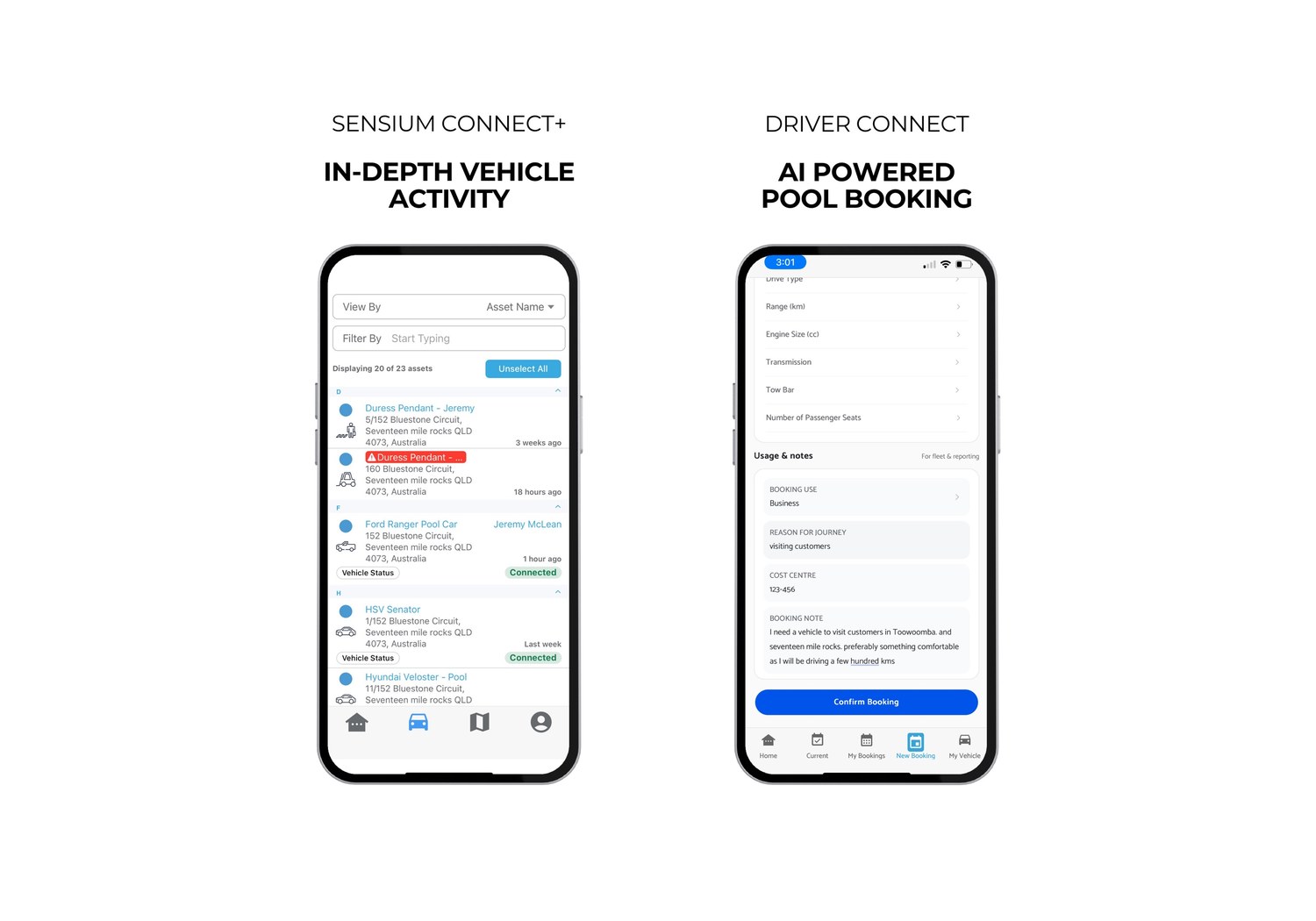
Two free apps for every Sensium customer. Connect+ puts live fleet tracking and remote control in the hands of fleet operators. Driver Connect makes booking a shared vehicle effortless for drivers. Both on iOS and Android.
30 minutes, scoped to the apps on your fleet.

Sensium Connect+
Your fleet, in your pocket.
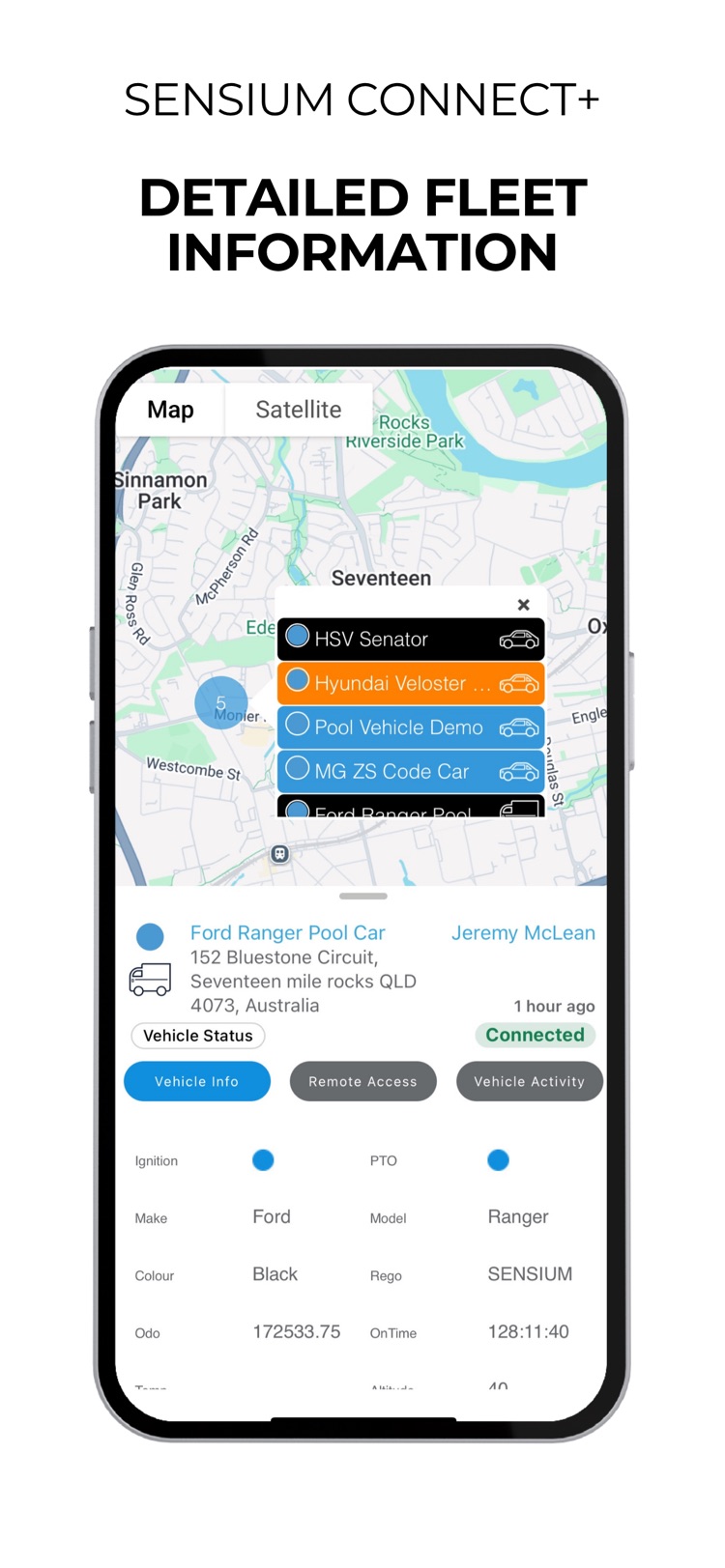
Stay connected to your fleet wherever your vehicles are. Track movements in real time, view live status, access trip history, and lock or unlock vehicles remotely — all from a secure mobile app built for fleet operators across Australia and New Zealand.
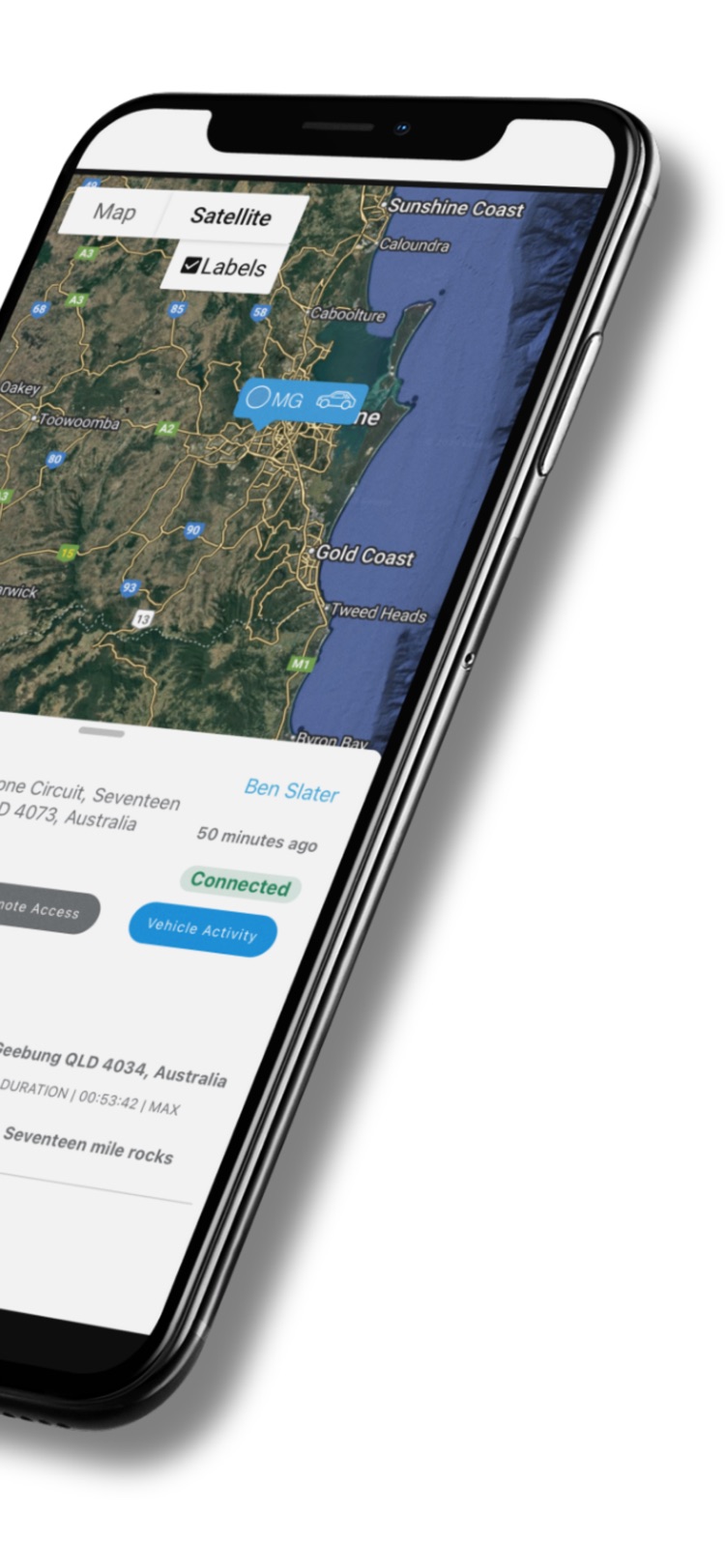
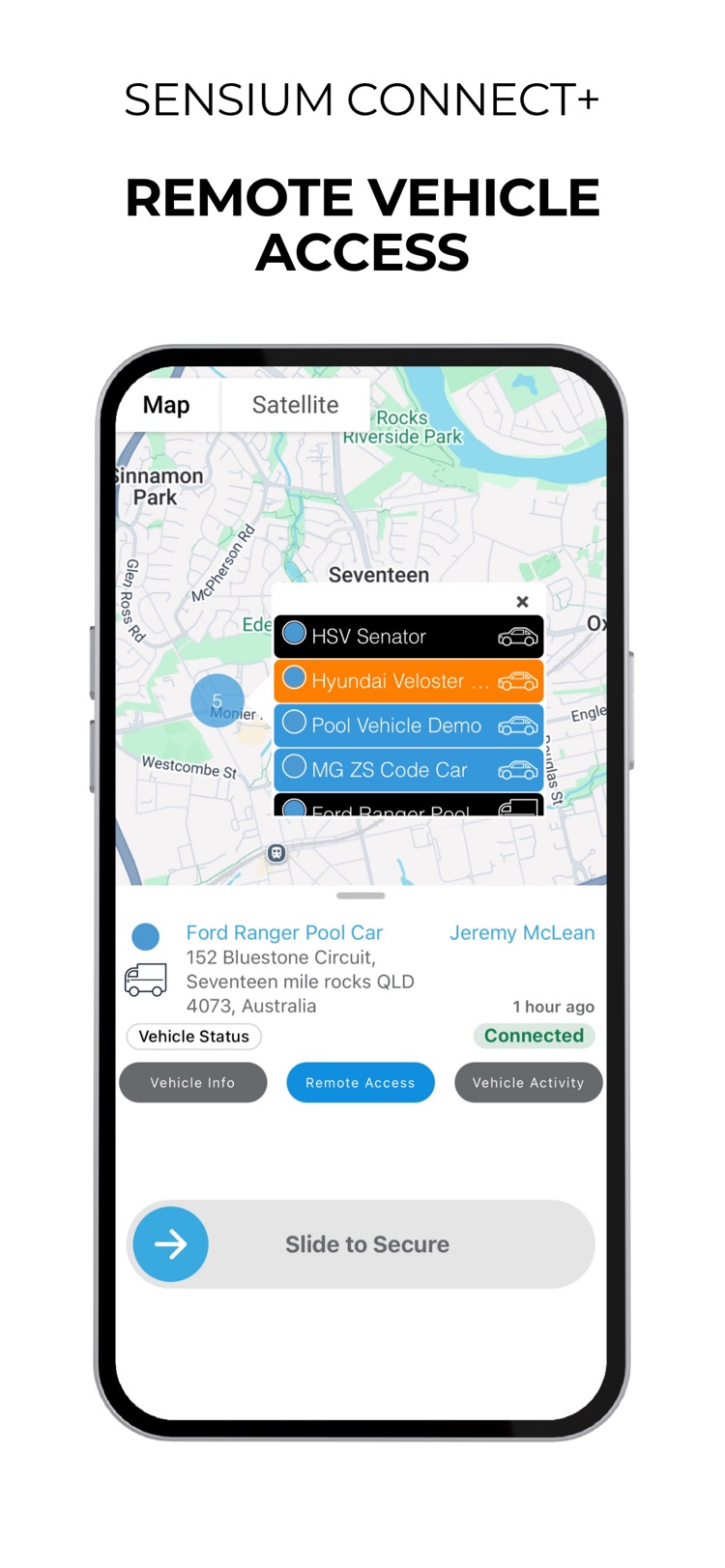
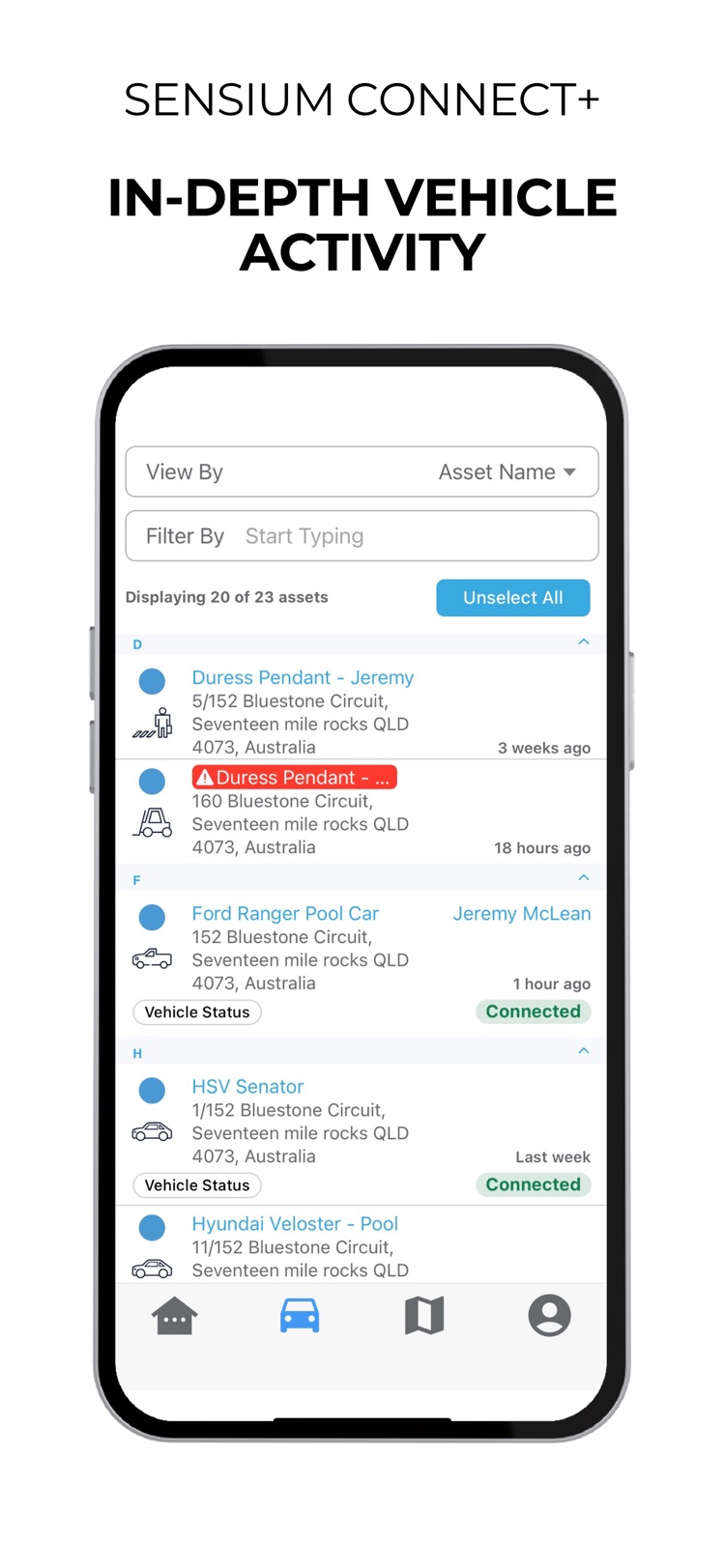
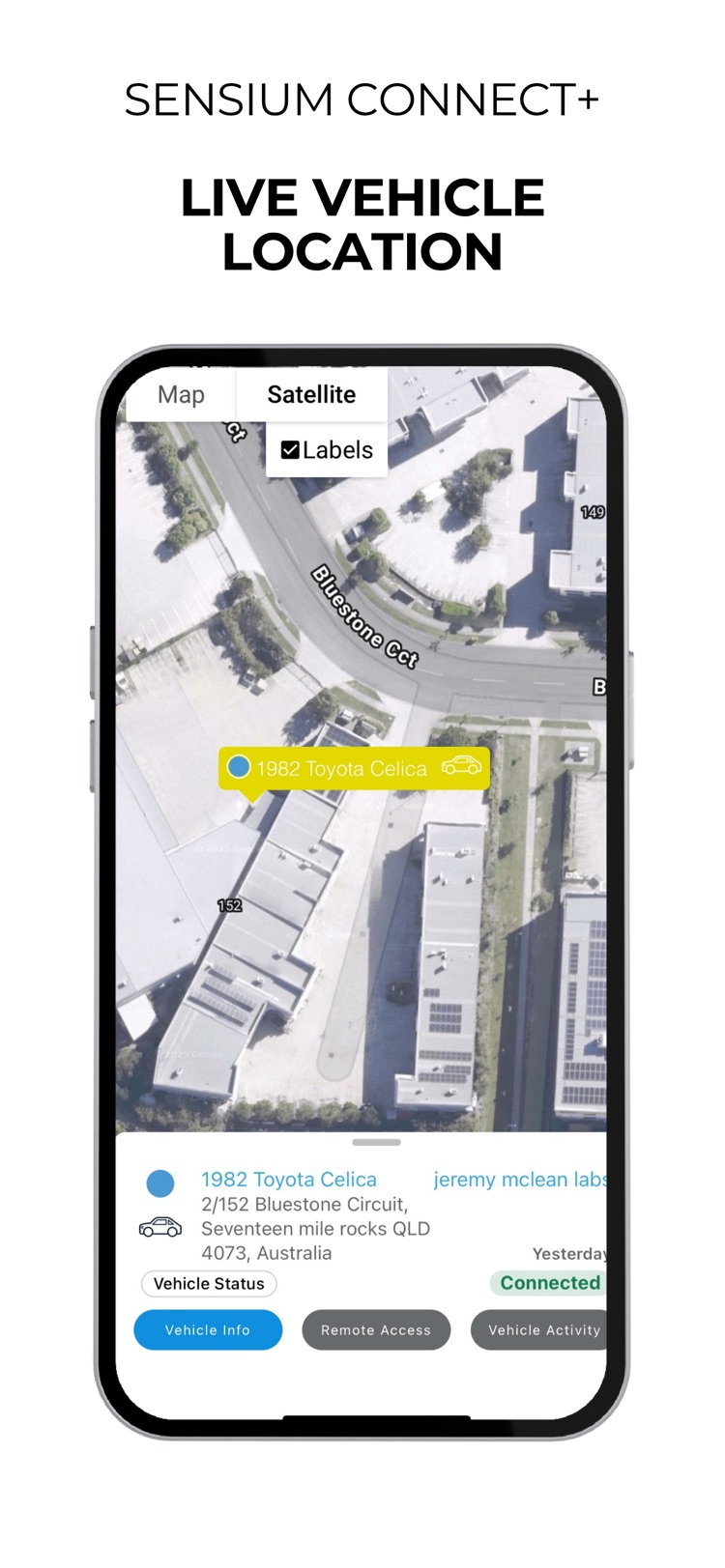
- Real-time vehicle tracking with map and satellite view
- Secure remote vehicle locking and unlocking
- Detailed driver and trip activity
- Instant vehicle status and diagnostics
- Works with Sensium Driver ID to identify drivers

Sensium Driver Connect
Pool vehicle booking, made simple.
The driver-facing companion to Sensium Connect+. Built for organisations with shared or pooled vehicles, Driver Connect lets drivers, staff and volunteers book vehicles, manage bookings and access fleet information from their phone — no extra hardware required.
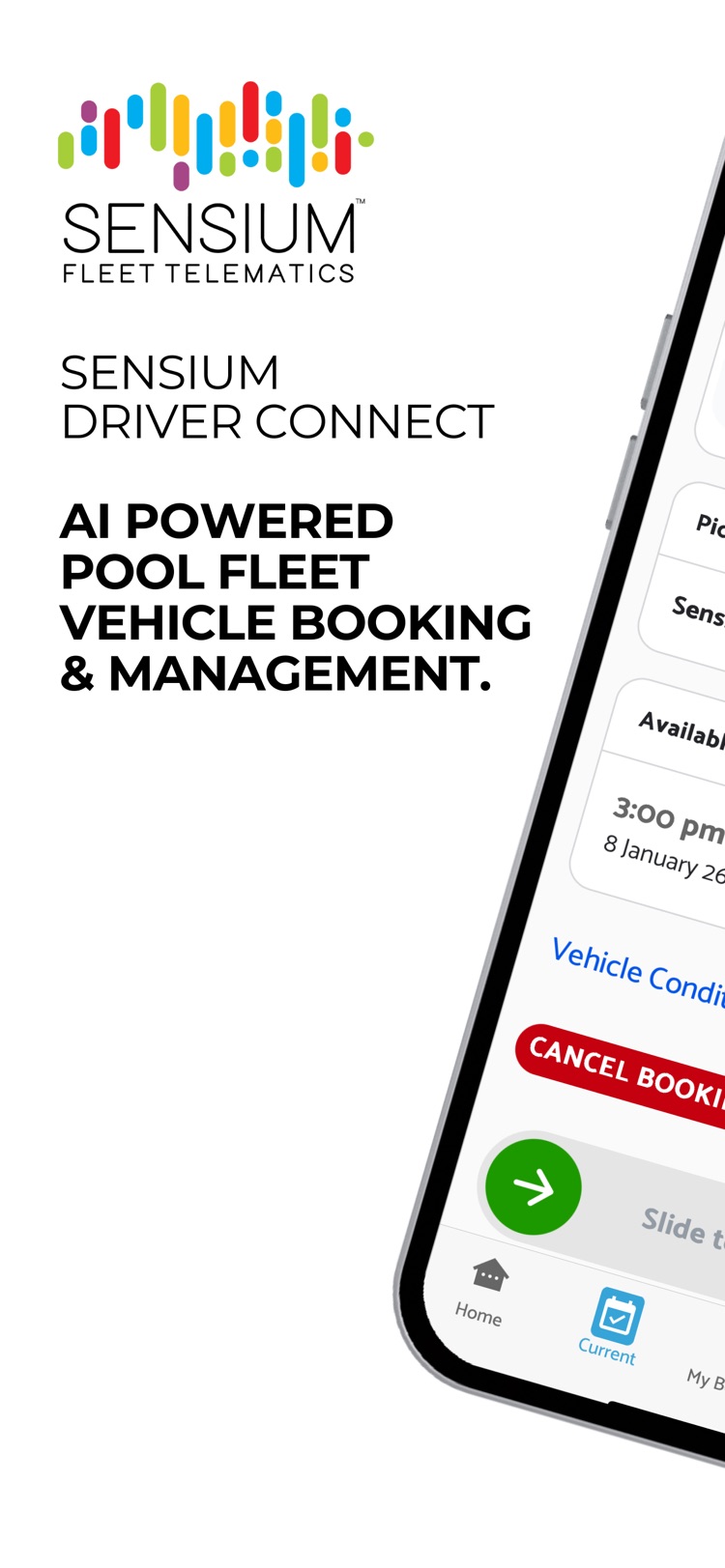
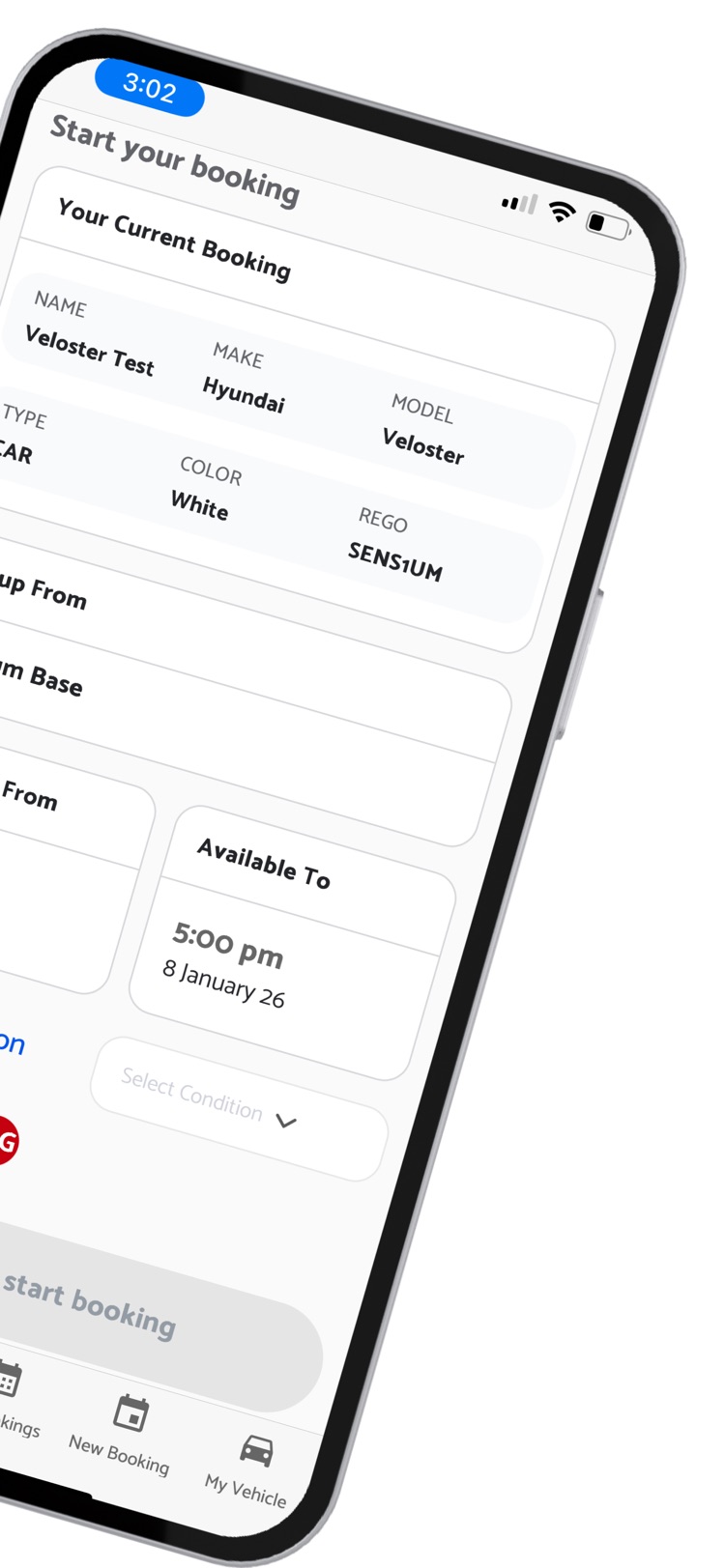
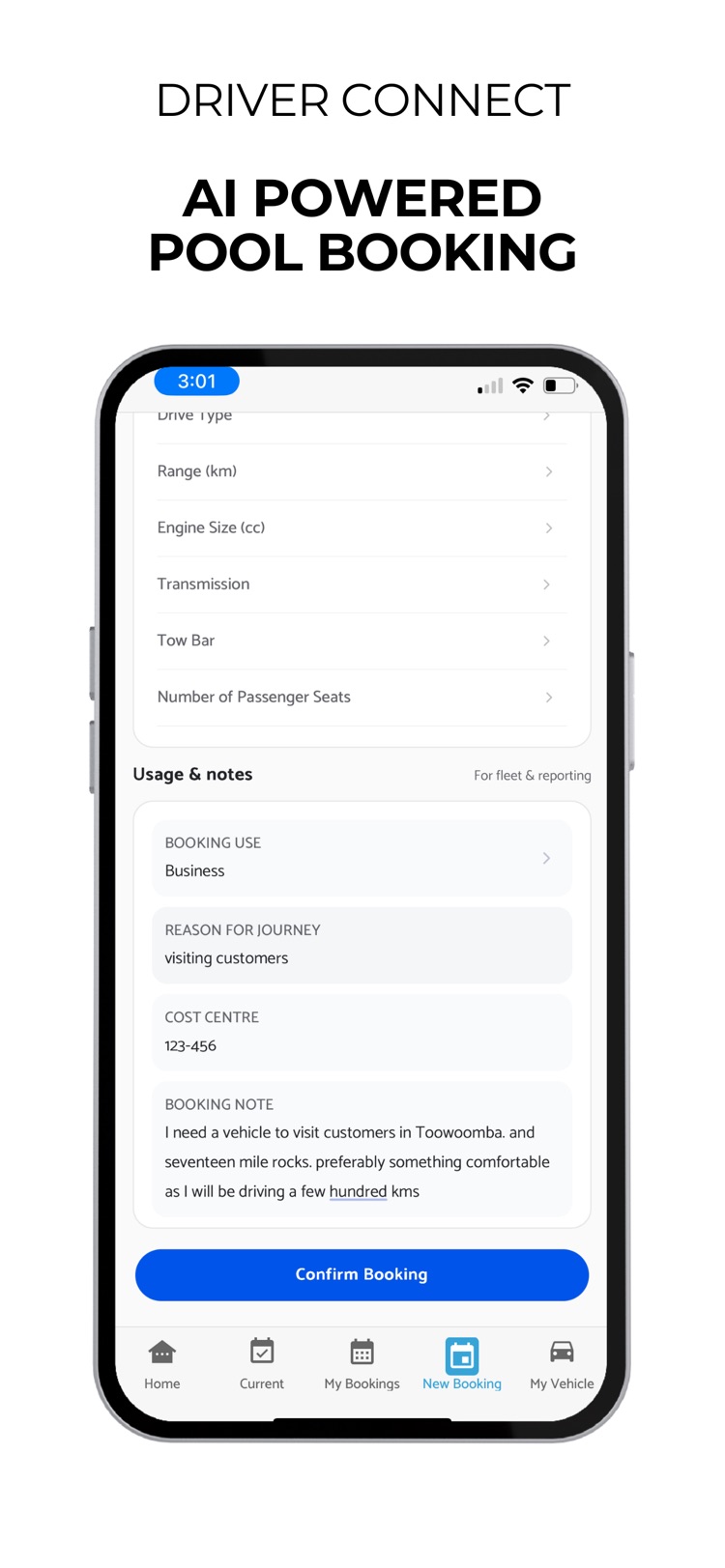
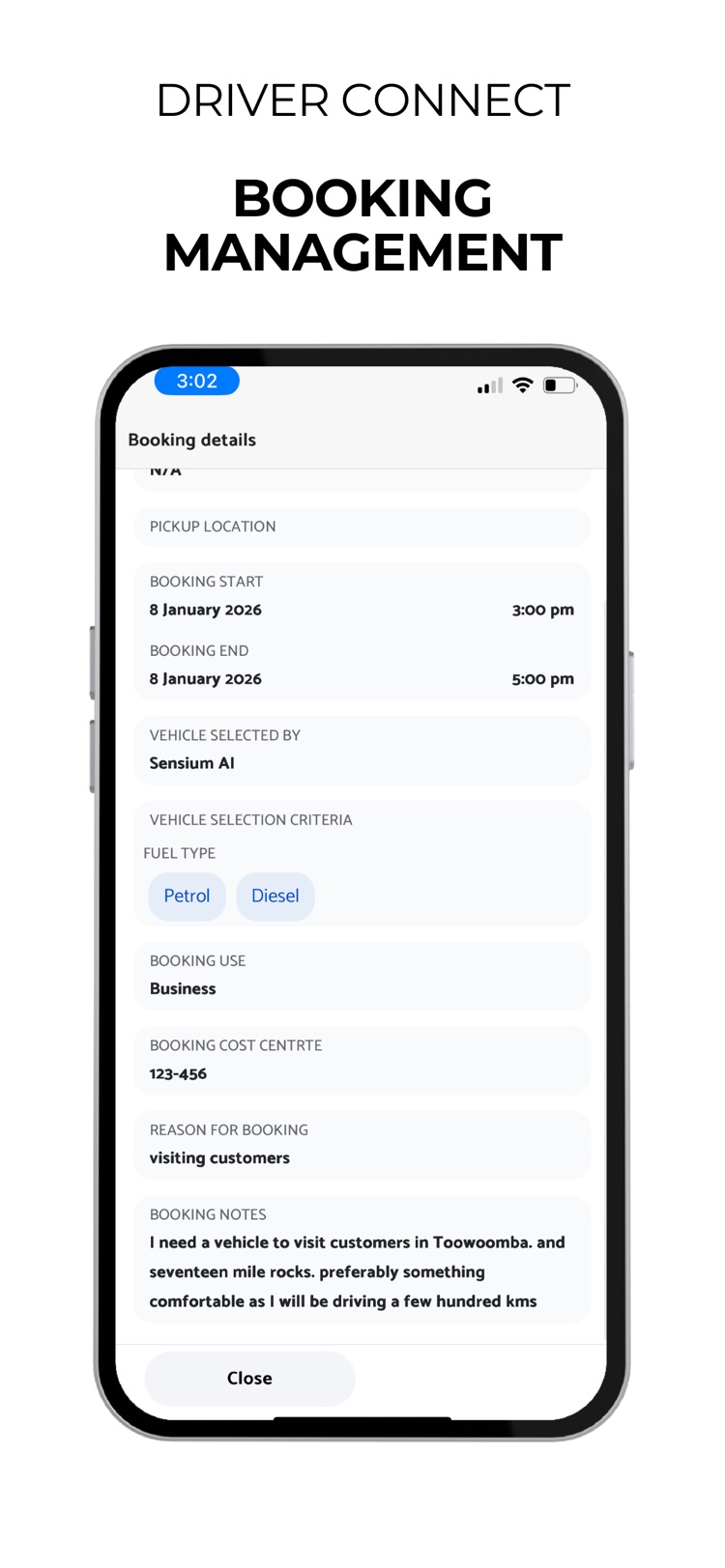
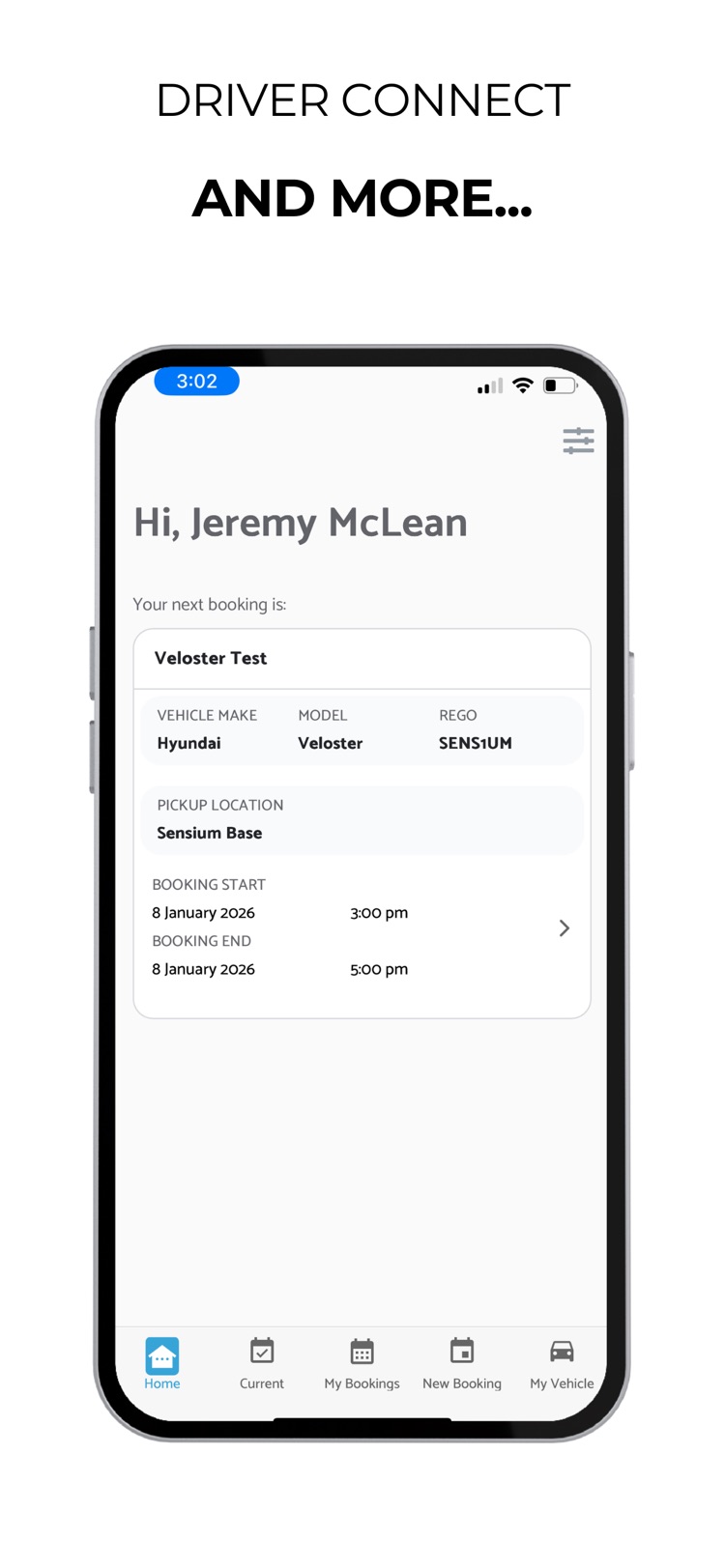
- AI-powered pool vehicle booking — recommends the right vehicle for each job
- View, confirm, modify or cancel bookings with ease
- Clear booking details: vehicle, time and purpose
- Built for councils, community transport, utilities and enterprise fleets
- Uses live fleet and availability data from Sensium Connect+
See both apps running against your own fleet - 30 minutes.
Frequently asked
App questions.
Question 01
What is the difference between Sensium Connect+ and Sensium Driver Connect?
Question 01
What is the difference between Sensium Connect+ and Sensium Driver Connect?
Sensium Connect+ is the fleet operator app — live vehicle tracking, remote lock and unlock, and trip history in your pocket. Sensium Driver Connect is the driver-facing companion app for booking shared and pool vehicles. Operators run Connect+; drivers, staff, and volunteers use Driver Connect to book a vehicle.
Question 02
Are the Sensium apps free?
Question 02
Are the Sensium apps free?
Yes. Both Sensium Connect+ and Sensium Driver Connect are free to download and are included for Sensium customers — there is no extra licensing for the mobile apps. Talk to us about rolling them out across your fleet operators and drivers.
Question 03
Which devices do the apps run on?
Question 03
Which devices do the apps run on?
Both apps are available on iOS via the App Store and on Android via Google Play. Connect+ and Driver Connect each have their own listing on both stores.
Question 04
Can I use Driver Connect without installing any hardware?
Question 04
Can I use Driver Connect without installing any hardware?
Yes. Sensium Driver Connect has an app-only mode for pool vehicle booking that needs no hardware install — drivers can book, start, and end trips from their phone. Adding a TRACKbox to the vehicle unlocks further features such as remote locking, battery monitoring, and RFID keyless entry.
Question 05
What can a fleet operator do from the Connect+ app?
Question 05
What can a fleet operator do from the Connect+ app?
Connect+ lets a fleet operator track vehicle movements in real time on a map or satellite view, see live vehicle status and diagnostics, review detailed driver and trip activity, and lock or unlock vehicles remotely — all from the phone rather than the desktop dashboard.
Question 06
How does the AI pool vehicle booking in Driver Connect work?
Question 06
How does the AI pool vehicle booking in Driver Connect work?
A driver describes what they need and Driver Connect recommends or allocates the right vehicle for the job, using live fleet and availability data from Sensium Connect+. The allocation follows the booking rules your organisation has configured, so access stays fair and policy-aligned.
Question 07
Do the apps work for shared and pool fleets across multiple departments?
Question 07
Do the apps work for shared and pool fleets across multiple departments?
Yes. Driver Connect is built for organisations with shared or pooled vehicles — councils, community transport, utilities, and enterprise fleets — where multiple staff share a vehicle pool. It uses the live fleet and availability data from Sensium Connect+ so bookings reflect the real state of the fleet.
Question 08
Is data in the apps kept in Australia?
Question 08
Is data in the apps kept in Australia?
Yes. The apps connect to Sensium Connect+, which is hosted on Google Cloud Australian infrastructure — all customer data - Australian and New Zealand - on Australian servers, encrypted in transit and at rest.
Question 09
Do the apps support remote lock and unlock?
Question 09
Do the apps support remote lock and unlock?
Sensium Connect+ supports secure remote vehicle locking and unlocking for fleet operators, on vehicles fitted with a TRACKbox and keyless entry module. Commands travel over the encrypted two-way connection between the TRACKbox and the platform.
Question 10
Is there an app for existing legacy Sensium customers?
Question 10
Is there an app for existing legacy Sensium customers?
Existing Sensium Connect (GPS Engine) customers can continue to use the GPS View app while migrating to Connect+. GPS View remains available on both the App Store and Google Play during the transition.
Talk to Sensium
The apps come with the platform.
Sensium Connect+ and Driver Connect are included for Sensium customers — no extra licensing for the mobile apps. Talk to us about rolling them out across your fleet and drivers.